
Your answer, ready before you speak.
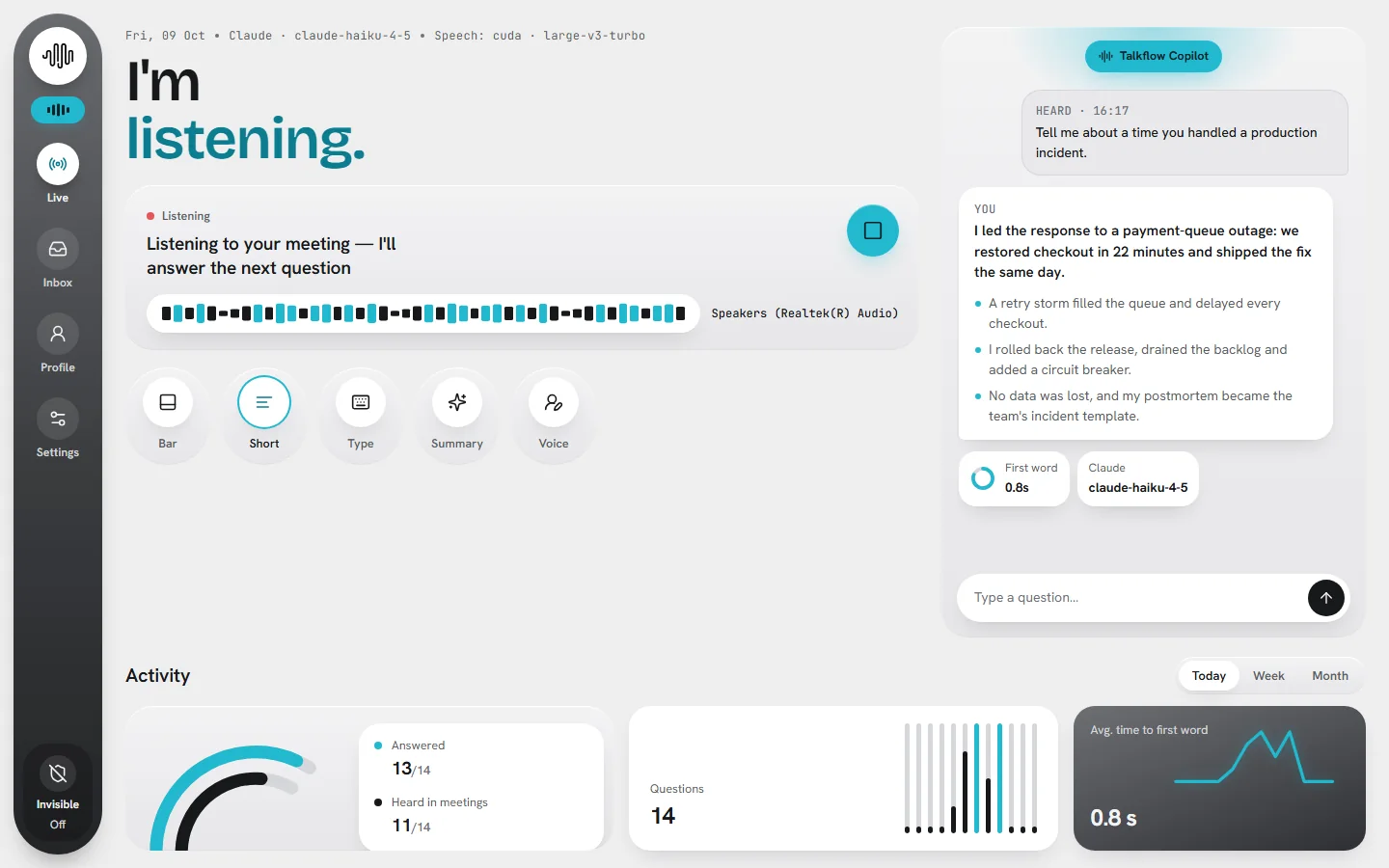
Talkflow listens to your meeting, notices when someone asks a question, and writes a clear answer in your own voice. It appears in the main window and on a small bar only you can see.
v1.0.0 · 63 MB · Windows 10 / 11 · bring your own OpenAI, Claude or Gemini key
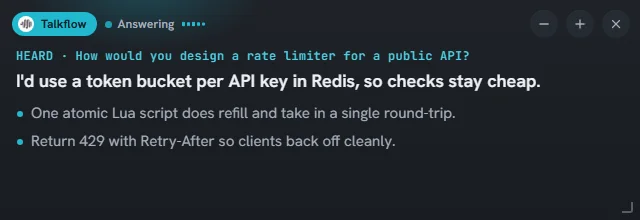
Glance, then speak.
A bold one-line answer and a few points you can scan in seconds, written the way you talk.
Written as you, in your tone.
Talkflow grounds every answer in the profile you write: your experience, projects and way of speaking. It streams the answer word by word, so you can start right away.
- Tones: confident, concise, warm, technical or STAR stories
- Short or detailed, and you can always type a question
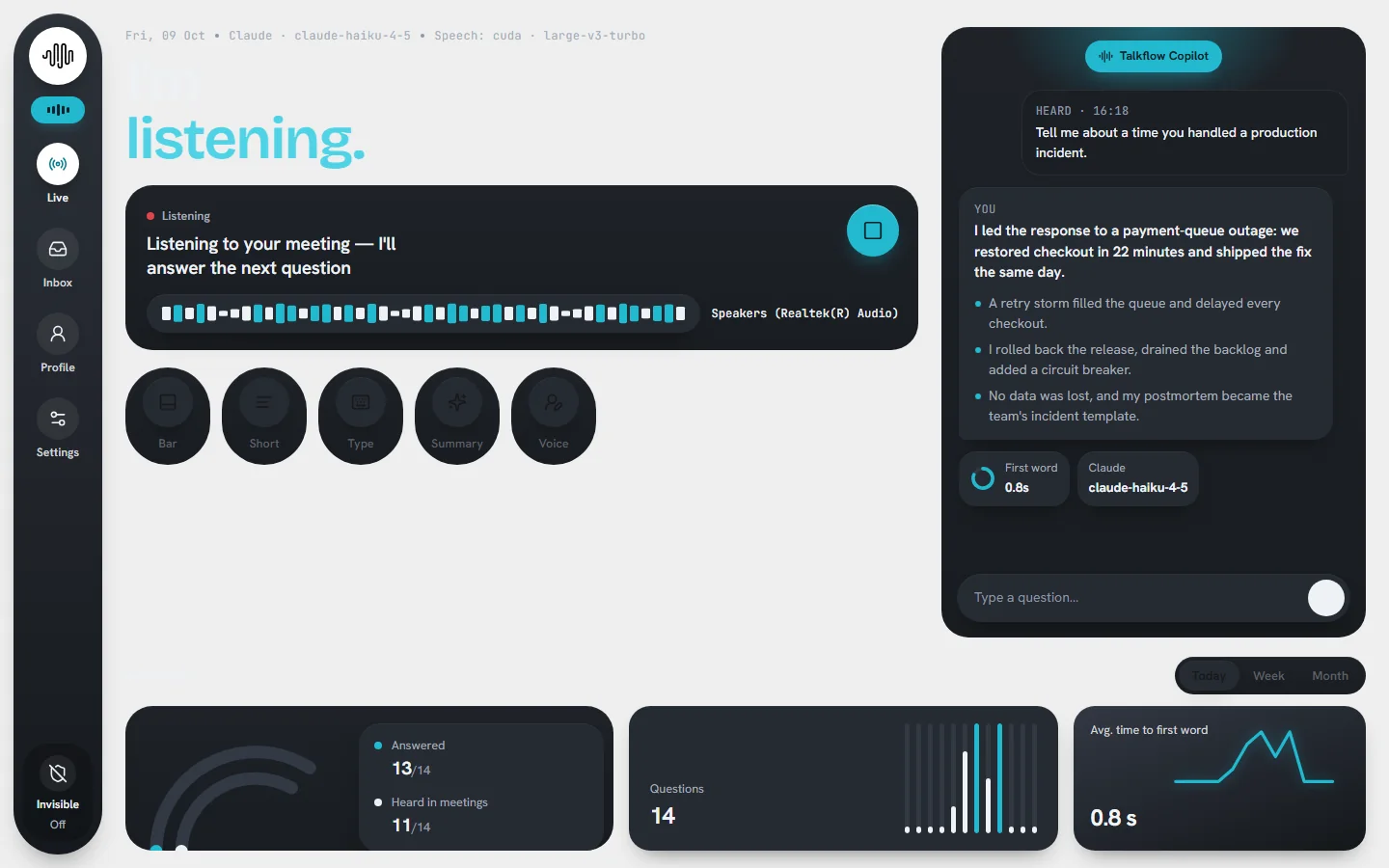
Every meeting, searchable afterwards.
Conversations are saved on your PC, with summaries of decisions, action items and open questions.
- Stored in Documents\Talkflow, not in a cloud
- Auto-delete after 7, 30 or 90 days if you want
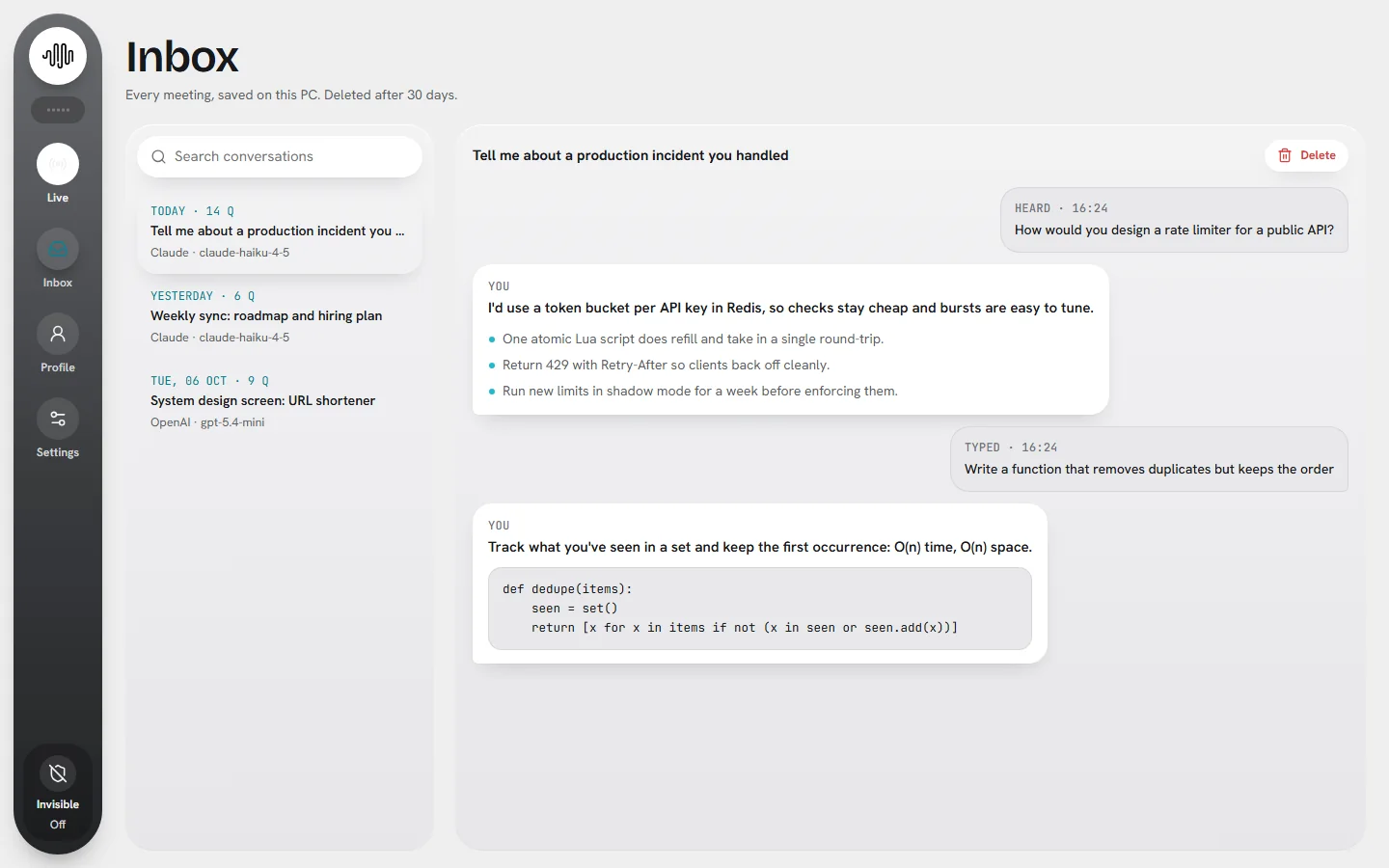
Tuned to your PC and your provider.
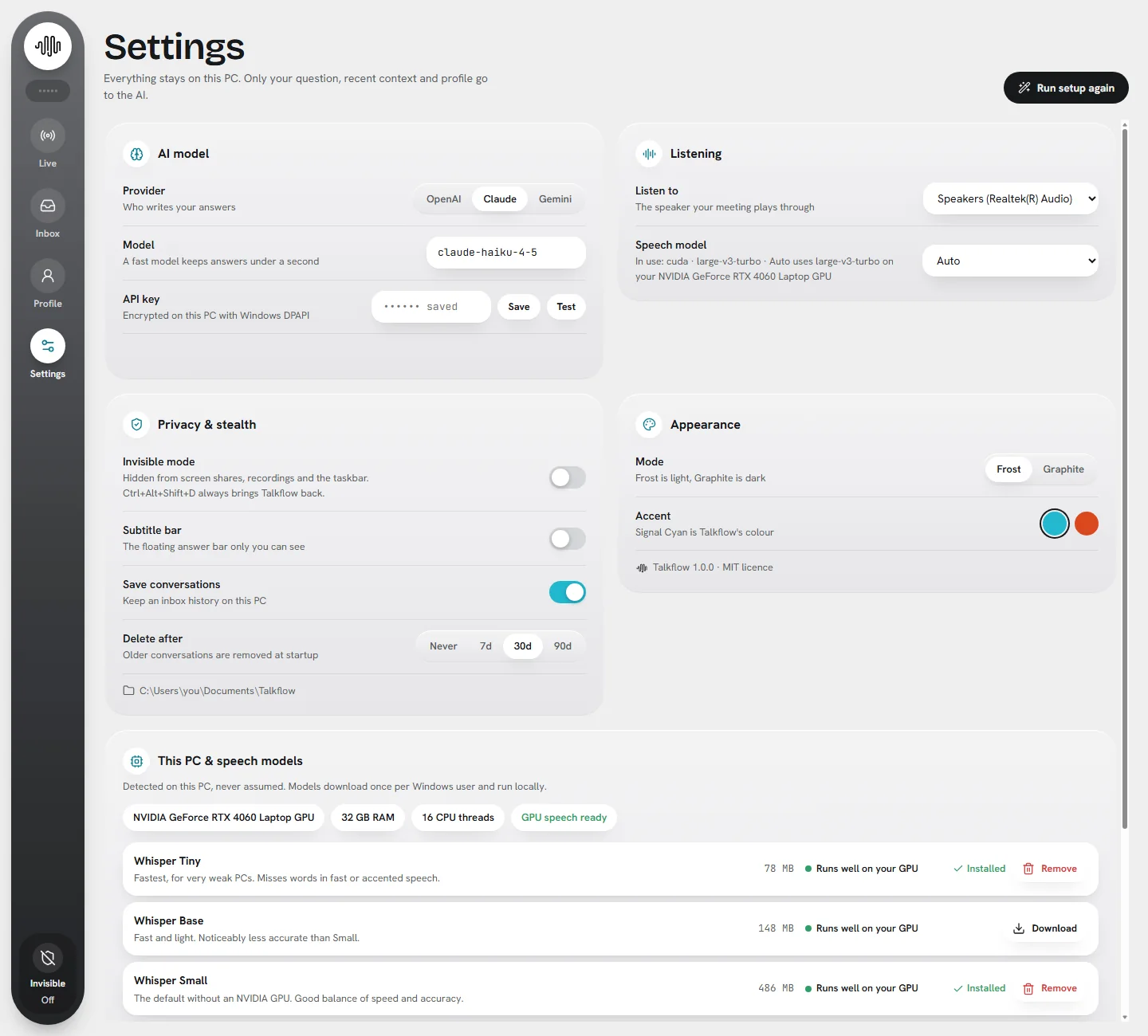
Talkflow detects your GPU, RAM and CPU and picks the best speech model that runs live. Choose your AI provider, test your key, and set your privacy options in one place.
- Large v3 Turbo on NVIDIA GPUs, Small on the CPU
- Download and remove models with live progress
Hears any meeting
Talkflow captures what your speakers play. You don't need a virtual cable, and you still hear everything.
Type a question
Ask Talkflow anything at any time, whether it's listening or not.
Activity dashboard
See questions answered, the time to the first word, and questions over time.
Invisible mode, opt-in
Off by default. When you turn it on, Talkflow's windows are left out of screen shares and leave the taskbar. Ctrl+Alt+Shift+D brings them back.
Launch password
Optionally lock the app so nobody else can open your profile or history.
Frost & Graphite
Light and dark modes, with a Signal Cyan or Ember accent, and a guided first-run setup.
Hear. Notice. Answer.
Only text goes to your AI provider. Speech recognition stays on your PC.
Hear
Captures the meeting audio playing on your speakers.
WASAPI loopbackTranscribe
Turns speech into text on your PC.
faster-whisperNotice
Spots when a question is asked, and skips filler.
question detectionAnswer
Streams a first-person answer from your profile.
OpenAI · Claude · GeminiYour voice stays on your PC.
Talkflow only goes online to write an answer or summary, test your key, or download a speech model.
Local speech
Whisper runs on your PC. Audio is never uploaded anywhere.
Your key, encrypted
API keys are encrypted with Windows DPAPI, so only your Windows account can read them.
No account
No sign-up, no analytics, and no telemetry of its own.
Your history
Saved in Documents\Talkflow, with auto-delete after 7, 30 or 90 days.
To write an answer, Talkflow sends the question, the last few lines of the meeting as text, your recent Q&A and your profile to the provider you chose, using your key. Read the full privacy policy.
Use it openly.
Talkflow transcribes what other people say and suggests what you could answer. Setup asks you to confirm this before first use.
Tell people
Let the people you meet know you use live transcription and an AI assistant.
Follow the rules
Follow the rules of every meeting, interview, exam or test you join. Many interviews and tests don't allow assistance.
Check consent
Recording or transcribing others may need their consent where you live.
Set up in minutes.
- Download the installerTalkflow-Setup-1.0.0.exe from GitHub Releases.
- Run it, no admin neededTick GPU speech recognition if you have an NVIDIA card (about 1 GB).
- Follow the setupPick a provider, paste and test your key, and write your profile.
- System
- Windows 10 (2004+) or 11
- AI
- Your own OpenAI, Anthropic (Claude) or Google (Gemini) API key
- GPU
- Optional. NVIDIA for Large v3 Turbo; otherwise Small runs on the CPU
- Audio
- Any speakers or headphones
Windows may warn you. The installer isn't code-signed yet, so you may see "Windows protected your PC". Click More info → Run anyway. Each release is built and install-tested by GitHub Actions.
Questions, answered.
What does it cost?
Talkflow itself is free. Answers use your own API key, so you pay your AI provider directly for what you use.
Is my audio sent anywhere?
No. Speech recognition runs on your PC. Only text goes to the AI provider you chose, and only when Talkflow writes an answer or summary.
Which AI should I pick?
Any of the three works. Smaller, faster models give a quicker first word. The Activity dashboard shows your average time to first word so you can compare.
Can I use it in a job interview?
Only where it's allowed. Many interviews and tests don't permit assistance. Follow the rules of the meeting you're in, and tell people you're using it.
Is there a browser version?
Talkflow for Chrome is in development. It listens to a single meeting tab and shows answers in Chrome's side panel. The desktop app still does the listening and answering.